
How to Reset Instagram Password and Recover Your Account
Forgot your Instagram password? This simple guide explains how to recover your account and protect it with stronger security settings.
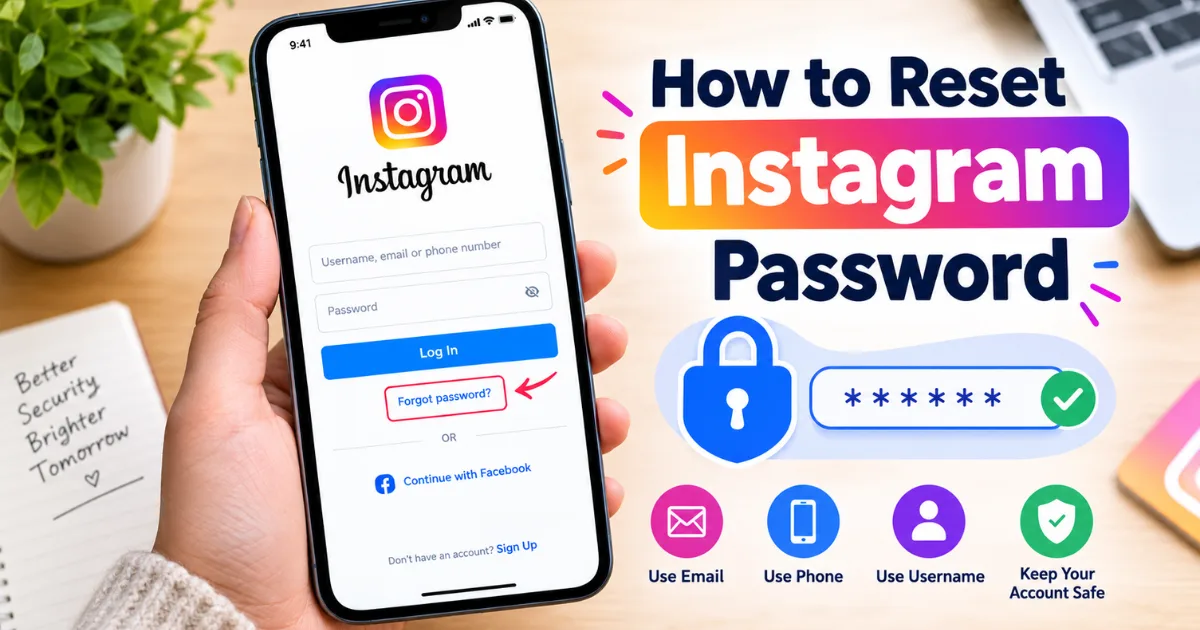
Losing access to Instagram can feel stressful, especially when your account holds years of photos, messages, contacts, and memories. If you are wondering how to reset Instagram password, you can normally start from the Instagram login screen and request a password reset using your email address, phone number, or username.
Why might you need to reset your Instagram password?
People reset passwords for many reasons. You may have forgotten an old password, changed phones, noticed unusual activity, or simply want stronger account security.
Instagram can ask you to confirm that the account belongs to you before allowing a new password. This helps protect accounts from unauthorized access.
How to reset Instagram password from the login screen?
If you cannot remember your password, open Instagram and go to the login page. Look for the option that says “Forgot password?” or a similar password-recovery option. Enter your username, email address, or phone number and follow the instructions shown on screen.
Depending on your account, Instagram may send a login or reset link by email or text message. Open the message and continue through the recovery steps. Choose a new password that you have not used on another important account.
For a safer reset, make your new password:
Long enough to be difficult to guess.
Different from your email and other passwords.
Free from obvious details such as your name or birthday.
Easy for you to store securely with a password manager.
Can you reset Instagram password if you forgot your email?
Yes, recovery may still be possible if you remember your Instagram username or have access to the phone number connected to the account. Start the recovery process and provide the information Instagram requests.
If you no longer have access to the original email or phone number, the process can become more complicated. Instagram may provide additional account-recovery options, depending on the account and security information available.
Do not trust strangers who claim they can recover your account for a fee. Recovery should use Instagram's official systems. Never send anyone your password, security code, or recovery link.
What if the password reset email or text does not arrive?
First, check that you entered the correct username, email address, or phone number. Then check your spam, junk, promotions, or filtered folders if you are waiting for an email.
If a message still does not appear, wait a short time and try again. Repeatedly requesting codes in quick succession can make the process confusing because an older code may stop working after a newer one is requested.
Also make sure your phone can receive text messages and that your email account is working normally. If you suspect that your email address has been changed without your permission, use Instagram's account-security and recovery options rather than relying on messages from unknown people.
How do you reset Instagram password when your account may be hacked?
If you believe someone has taken control of your account, act quickly. Try the normal password-recovery process first. If your email address, phone number, or other account information has been changed, look for Instagram security messages and recovery instructions.
After regaining access, immediately change the password and review the account's security settings. Check recent login activity and remove devices or sessions you do not recognize. Turn on two-factor authentication for an additional layer of protection.
Instagram's Help Center is the best authority for current recovery instructions because account-recovery screens can change over time (source: Instagram Help Center).
What should you do after resetting your password?
Resetting the password is only the first step. Take a few minutes to secure the account. A strong password is much more useful when combined with other security measures.
Consider these actions:
Enable two-factor authentication.
Review recent login activity.
Confirm that your email and phone number are correct.
Remove unfamiliar connected accounts or devices.
Update your email password if you suspect it was compromised.
You should also avoid logging into Instagram through suspicious links. Type the official website address yourself or use the official Instagram app. Phishing messages can look convincing, but they may be designed to steal your password or verification code.
For more account-safety advice, see our [insert related article link here] guide about protecting social media accounts from phishing and scams.
Can you change your Instagram password while you are logged in?
Yes. If you still have access to your account, changing the password from the account's security settings is easier than using the forgotten-password route. Open Instagram, go to your profile, access the menu, and find the Accounts Center or password and security area. Wording may vary by app version.
You may be asked to enter your current password before choosing a new one. If you do not know it, use recovery instead.
Changing your password regularly is not always necessary when you use a strong, unique password and have effective security controls. However, change it immediately if you suspect unauthorized access.
What is the safest way to create a new Instagram password?
Avoid simple combinations such as your name, favorite team, birthday, or repeated numbers. Instead, use a long, unique password or passphrase. A password manager can store a different password for each service.
Never reuse your Instagram password for your email account. Attackers may try reused passwords on other services. Protecting your email is important because it can be used for account recovery.
Final takeaway: how to reset Instagram password safely
Knowing how to reset Instagram password can save time when you lose access. Start with Instagram's official recovery tools, use an email, phone number, or username connected to the account, and follow the verification steps.
Once access is restored, strengthen the account instead of stopping at the password change. Use a unique password, enable two-factor authentication, review login activity, and stay alert for phishing attempts. If recovery fails, use Instagram's official Help Center rather than paying an unknown person who promises instant access. These steps can help you regain control and improve account security.
FAQs:
How do I reset my Instagram password?
Use Instagram's “Forgot password?” option and follow the recovery instructions using your email, phone number, or username.
Can I reset Instagram password without email access?
Yes, you may be able to recover the account using your username or connected phone number.
Why am I not receiving the Instagram password reset code?
Check your spam folder, verify your contact details, and try requesting a new recovery message.
What should I do if my Instagram account was hacked?
Use Instagram's official recovery tools, change your password, review login activity, and enable two-factor authentication.
How can I keep my Instagram account secure?
Use a unique strong password, enable two-factor authentication, and never share recovery codes with anyone.
Comments (0)
Be the first to comment.
Related stories
 International News
How to Increase Facebook Followers: Simple Strategies That Work
Want more Facebook followers without relying on fake accounts? Discover practical strategies for better content, Reels, engagement, collaborations, and organic growth.
 International News
How to Create a Facebook Page: Easy Step-by-Step Guide
Want to build your presence on Facebook? This simple guide explains how to create a Facebook page, complete your profile, publish content, and grow your audience.
 International News
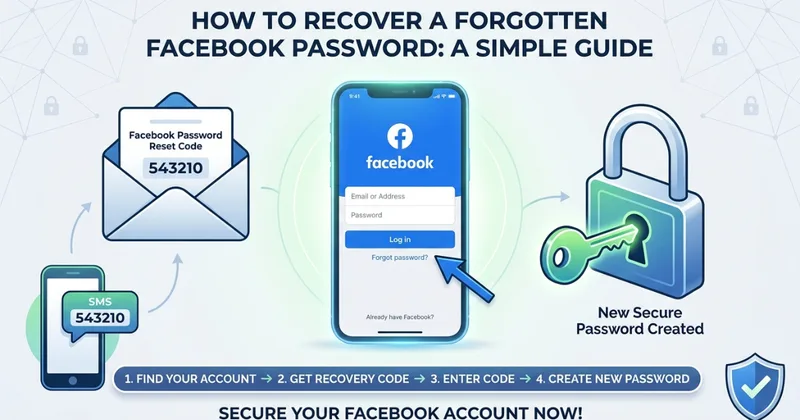
How to Recover a Forgotten Facebook Password: A Simple Guide
Forgot your Facebook password? This simple guide explains how to recover your account, receive a recovery code, reset your password, and protect your account afterward.