
How to Create a Facebook Page: Easy Step-by-Step Guide
Want to build your presence on Facebook? This simple guide explains how to create a Facebook page, complete your profile, publish content, and grow your audience.
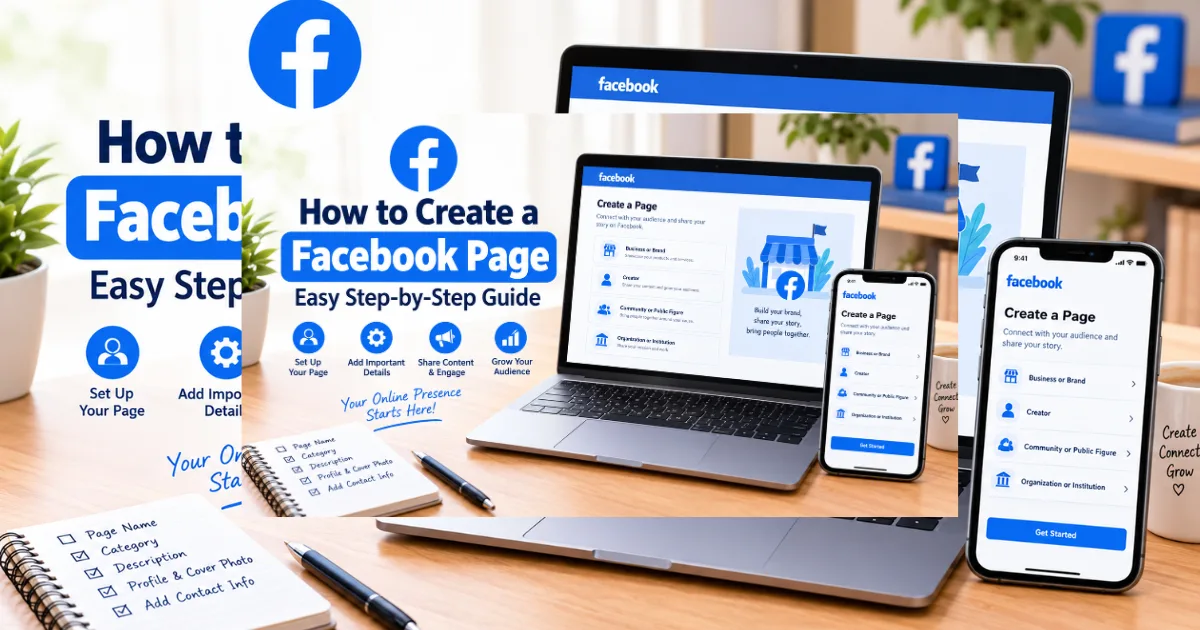
Creating a Facebook Page is easier than many people think. Whether you run a small business, build a personal brand, promote a community, or share content, a Page gives you a public home on Facebook. If you have been searching for how to create a Facebook page, this guide explains the process from start to finish, including what to add after your Page goes live.
What is a Facebook Page, and who needs one?
A Facebook Page is a public profile for businesses, creators, organizations, public figures, and communities. It can represent a brand or professional presence and can be managed by people with appropriate access.
A Page can help you:
Share updates, photos, videos, and links.
Explain what your business or brand offers.
Receive messages and customer questions.
Build an audience and encourage engagement.
How to create a Facebook page step by step?
First, sign in to Facebook. Open the Pages area and choose the option to create a new Page. Facebook may change the wording or layout, but the basic process is similar.
Enter your Page name. Choose a name that clearly tells people who you are or what you offer. Avoid confusing spellings, unnecessary symbols, and keyword stuffing.
Select the category that best matches your Page. You may also be asked for information about your business, organization, or content.
Add a short bio or description. Explain what the Page is about in plain language. A strong description should quickly answer one question: Why should someone follow or contact this Page?
Follow Facebook's prompts to finish the setup. Before publishing important information, check every detail for spelling and accuracy.
What should you add to a new Facebook Page?
Complete the basic information visitors need.
Start with these essentials:
Profile picture: Use a clear logo, brand mark, or recognizable image.
Cover photo: Choose a clean image that matches your brand and works on mobile.
Username: Pick a simple, memorable handle when available.
Description: Explain your purpose, products, services, or content.
Contact details: Add an email, phone number, or website when appropriate.
Action button: Choose a useful action, such as contacting you or visiting your website.
Can you create a Facebook Page from a phone?
Yes. You can create and manage a Facebook Page from a smartphone using the Facebook app, although buttons and menus can change after updates.
Open Facebook, find the Pages section, and look for the create option. Enter your Page name, category, and basic information, then add profile and cover images.
If a menu looks different, do not panic. Facebook regularly updates its interface. Look for Pages, Create, Edit, or Settings rather than relying on one exact button location.
How do you make a Facebook Page look professional?
Use a profile image that stays recognizable when small. Your cover image should support your message instead of overwhelming visitors with text. Write a short description that sounds natural and tells people what they can expect.
Before inviting people to follow, check the Page as a visitor would. Is the purpose obvious? Can someone find contact information quickly? Does the Page look active?
What should you post after creating the Page?
Your goal should be consistency, not posting every hour. Create a simple content plan you can maintain.
Good starting ideas include:
Helpful tips related to your niche.
Behind-the-scenes photos or short videos.
Product or service explanations.
Customer questions and answers.
Announcements, offers, or important updates.
Original stories that show the human side of your brand.
Avoid copying the same post repeatedly. Give followers a reason to return. Ask genuine questions, respond politely to comments, and monitor messages.
For more social media guidance, add an internal link here: [insert related article link here].
Does a Facebook Page cost money to create?
Creating a basic Facebook Page is generally free. You may spend money later on advertising, professional services, or other business expenses.
Do not confuse creating a Page with buying ads. You can publish organic content without automatically paying for advertising. If you advertise, set a clear budget and monitor results.
For official guidance, check Meta's Help Center and Business resources because features and eligibility rules can change. (source: Meta)
What mistakes should you avoid when creating a Page?
Avoid:
Choosing a vague or misleading Page name.
Leaving the description empty.
Using poor-quality images.
Posting only advertisements.
Ignoring comments and messages.
Sharing copied content without adding value.
Making promises your business cannot keep.
What is the best way to grow a new Facebook Page?
Start with people who genuinely care about your topic. Invite relevant friends, customers, website visitors, or community members when appropriate. Then focus on useful content and real conversations from the beginning today.
If your Page represents a business, make your contact and location details easy to find. If it How to create a Facebook page represents a creator or community, explain the audience and topics clearly. These small details help visitors understand the Page before they decide to follow, message, or visit.
Do not judge success only by follower numbers. Watch meaningful signals such as comments, shares, messages, clicks, and customer actions. A smaller audience that trusts your brand can be more valuable than a large audience that never engages.
The most important lesson is simple: creating the Page is only the beginning. A clear identity, helpful content, regular activity, and respectful communication can turn a new Page into a useful online presence.
FAQs:
What do I need to create a Facebook Page?
You need a Facebook account and basic Page information such as a name and category.
Is creating a Facebook Page free?
Yes, creating a basic Facebook Page is generally free.
Can I create a Facebook Page from my phone?
Yes, you can create and manage Pages through Facebook's mobile app.
Can I change my Facebook Page name later?
Facebook may allow name changes, but eligibility and approval requirements can apply.
How long does it take to create a Facebook Page?
The basic setup can take only a few minutes if you have your information and images ready.
Comments (0)
Be the first to comment.
Related stories
 International News
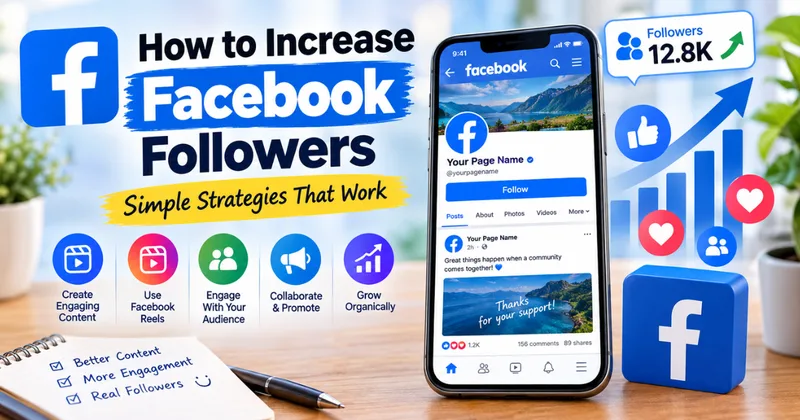
How to Increase Facebook Followers: Simple Strategies That Work
Want more Facebook followers without relying on fake accounts? Discover practical strategies for better content, Reels, engagement, collaborations, and organic growth.
 International News
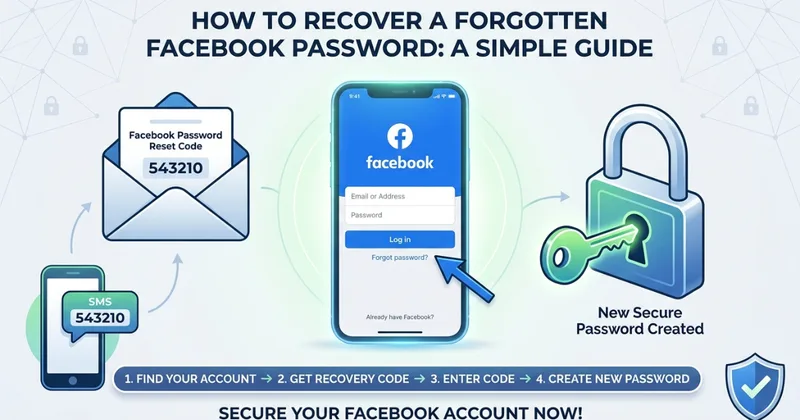
How to Recover a Forgotten Facebook Password: A Simple Guide
Forgot your Facebook password? This simple guide explains how to recover your account, receive a recovery code, reset your password, and protect your account afterward.
 International News
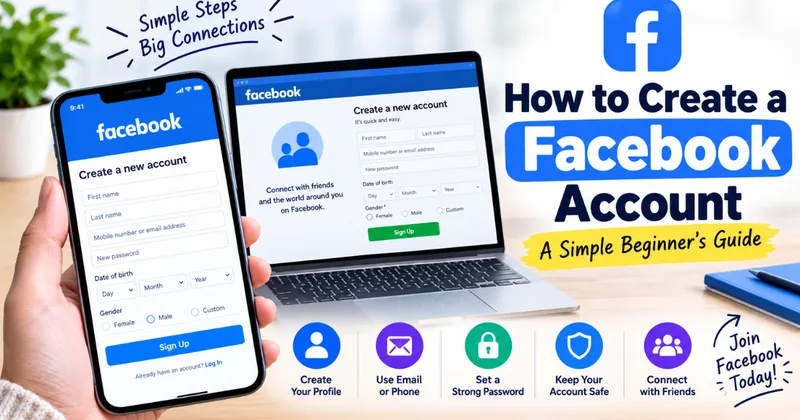
How to Create a Facebook Account: A Simple Beginner's Guide
Want to join Facebook but unsure where to start? This simple guide explains how to create an account, secure your profile, and adjust your privacy settings.