
How to Create a Facebook Account: A Simple Beginner's Guide
Want to join Facebook but unsure where to start? This simple guide explains how to create an account, secure your profile, and adjust your privacy settings.
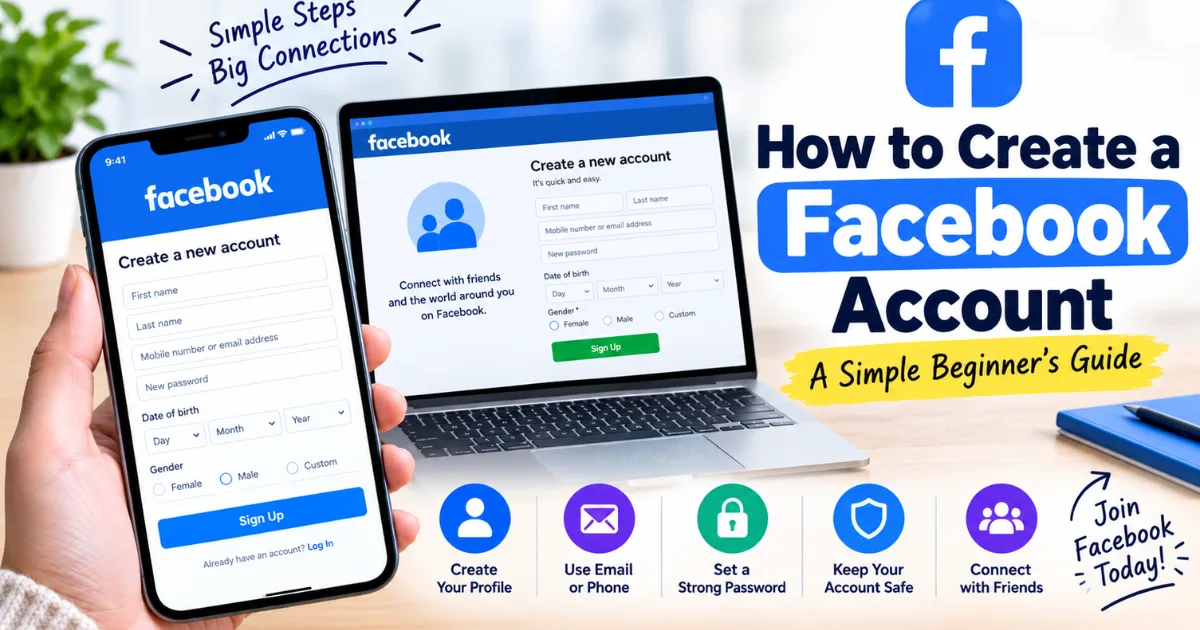
Creating a Facebook account takes only a few minutes, but the first setup matters. If you are wondering how to create a Facebook account, the process is simple on a phone or computer. You need basic information, a working email address or mobile number, and a password you can keep secure. Once your account is created, you can connect with friends, follow pages, join groups, and personalize your profile.
Why do people still create Facebook accounts?
A new account gives you access to several features, including:
A personal profile.
Messenger conversations.
Groups and communities.
Pages and public content.
Marketplace features, where available.
Events and recommendations.
Your experience can vary by location, age, device, and account status.
What do you need before creating a Facebook account?
Before starting, prepare:
Your first and last name.
A valid email address or mobile number.
Your date of birth.
A strong password.
A phone or email account you can access for verification.
Use your own contact information whenever possible. It makes future login and account recovery easier if you forget your password.
How do you create a Facebook account on a phone?
Download the app from your device's trusted app store, open it, and select the option to create a new account.
Facebook will guide you through a series of screens. Enter the requested details, create a password, and follow any verification instructions.
A simple process looks like this:
Open Facebook.
Select “Create new account.”
Enter your name.
Add your birthday and other requested information.
Provide your email address or mobile number.
Create a strong password.
Complete the verification step.
Follow the remaining setup instructions.
How do you create a Facebook account on a computer?
Go to the official Facebook site and choose “Create new account.”
Enter the requested personal details, including your name, contact information, date of birth, and password. Facebook may ask you to confirm your email address or mobile number.
Avoid creating an account through links sent by strangers. Starting from the official Facebook website or official app reduces the risk of entering personal information on a fake page.
Facebook's current login page continues to provide a “Create New Account” option (source: Facebook).
What should you use as your Facebook password?
Your password is one of the most important parts of account security. Avoid using your name, birthday, phone number, or an easy sequence such as 123456.
A stronger password should be:
Unique to Facebook.
Long and difficult to guess.
Different from your email password.
Stored securely if you use a password manager.
Never send your password or verification code to another person. If someone claims to be Facebook support and asks for your password, treat the request as suspicious.
What should you do after creating your account?
Do not rush into adding hundreds of friends. First, make your profile useful and review your privacy settings.
You can add a profile photo, cover image, short bio, and other details you are comfortable sharing. Then review who can see your posts, contact you, or send friend requests.
Review login activity occasionally and remove access you do not recognize.
For more social media safety advice, add an internal link here: [insert related article link here].
Can you create a Facebook account without a phone number?
Depending on the registration flow and your location, Facebook may allow account creation using an email address instead of a mobile number. However, Facebook can request additional verification in some situations.
If you use email, make sure you can access that inbox. Recovery messages may be sent there if you later have trouble logging in.
If Facebook specifically asks for a phone number during registration, follow the instructions shown for your account rather than relying on outdated tutorials.
Why might Facebook refuse to create your account?
Registration can sometimes fail because information was entered incorrectly, verification was not completed, the system detected unusual activity, or technical problems interrupted the process.
Check your internet connection and make sure your email address or phone number is correct. If you receive an error, read the message carefully instead of repeatedly submitting the form.
Also avoid using unofficial services that promise to create or verify Facebook accounts for you. Giving strangers access to your personal information can create unnecessary security risks.
How can you make your new Facebook account safer?
Security should start on day one. Use a unique password and protect the email account connected to Facebook. Turn on available login security features, review privacy controls, and be careful with unfamiliar links.
Think before accepting friend requests from people you do not know. A new account can attract unwanted messages or suspicious requests, especially if too much personal information is public.
You should also review your privacy settings after major Facebook updates because menus and available controls can change.
What are the biggest mistakes new Facebook users make?
One common mistake is sharing too much information immediately. Your home address, private phone number, financial details, and sensitive documents should never be posted publicly.
Avoid clicking “free prize,” urgent security, or unbelievable offer links. Scammers often use emotional pressure to make people act before thinking.
Final takeaway: how to create a Facebook account safely
Learning how to create a Facebook account is straightforward, whether you use a phone or computer. Start with the official Facebook app or website, enter accurate information, verify your contact details, and create a strong, unique password.
After registration, spend a few minutes reviewing privacy and security settings. Add only the information you are comfortable sharing and be selective about friend requests, messages, and links.
The best experience starts with a careful initial setup. By taking precautions from the beginning, you can enjoy the platform while keeping control over your personal information and account security.
FAQs:
How do I create a Facebook account?
Open Facebook, select “Create new account,” enter your details, verify your contact information, and complete setup.
Can I create a Facebook account without a phone number?
Facebook may allow registration with an email address, depending on the registration process and location.
Is it free to create a Facebook account?
Yes, creating a standard Facebook account is free.
What information do I need to create Facebook account?
You generally need your name, birthday, email address or phone number, and a password.
How can I keep my new Facebook account safe?
Use a unique password, review privacy settings, enable available security features, and avoid suspicious links.
Comments (0)
Be the first to comment.
Related stories
 International News
How to Increase Facebook Followers: Simple Strategies That Work
Want more Facebook followers without relying on fake accounts? Discover practical strategies for better content, Reels, engagement, collaborations, and organic growth.
 International News
How to Create a Facebook Page: Easy Step-by-Step Guide
Want to build your presence on Facebook? This simple guide explains how to create a Facebook page, complete your profile, publish content, and grow your audience.
 International News
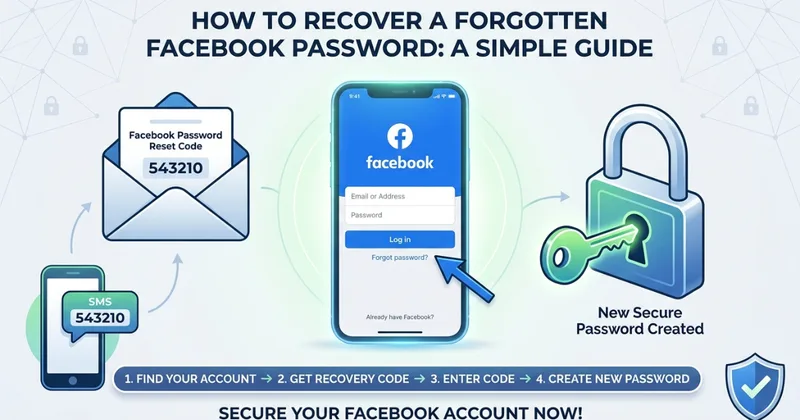
How to Recover a Forgotten Facebook Password: A Simple Guide
Forgot your Facebook password? This simple guide explains how to recover your account, receive a recovery code, reset your password, and protect your account afterward.